iOS / Android
Mobile apps
We build iOS and Android apps so your customers can use your service on their phones, whether they’re booking an appointment or paying for an order.

We build mobile apps, websites and web applications. We’ll help you choose the features you need first, show you a prototype and get your product ready for launch.
An app for customers, a website that brings in leads or a tool for your team. Start with a prototype or bring us a product you want to improve.
We build iOS and Android apps so your customers can use your service on their phones, whether they’re booking an appointment or paying for an order.
We help you explain your product, show it in action and collect enquiries. Analytics let you see how visitors use the site.
We build customer portals and tools for teams. A customer might track a request while a staff member updates its status.
We build a clickable prototype you can share with future users. Their feedback helps you choose what to build first.
Connect payments, CRM and analytics so your team can stop copying data between tools.
We work with your existing code and ship the change you need, from a new screen to a better checkout.
We test the main features and what happens when something goes wrong. For example, can a customer retry a payment after losing their connection?
We get your product ready for publication and leave your team with the code and instructions for its next release.
Mobile and web apps we’ve built and launched for our clients.
AB.MONEY reached number one in Education on the Russian App Store.
The school sells courses and collects homework through the app.
An order calendar, recipe costing and income tracking in one app.
Your product lead agrees on priorities with you. A designer is responsible for the interface, and a developer handles the code, tests and release. The team uses AI to prepare drafts and explore options.
“The team knows their stuff, and working with them is easy and productive.”
First, we agree on what goes into the first release. As we build, you can try each feature and suggest changes before launch.
Our designer creates a prototype you can open on your phone. For a booking service, it shows how customers pick a service and a time. We can change any awkward steps before development starts.
As each feature is ready, you get to try it. In the booking app, you can make a test appointment and check that it appears on the schedule.
We publish your website or web app, or prepare your mobile app for store submission. Your team gets the source code and instructions for shipping updates.
We share designs and working builds in the project chat. You can ask questions, suggest a change and see how it looks on your phone.
A developer is responsible for the code. They review the changes and run tests before release.
That depends on what you’re building. We use AI during development and agree with you on any AI features for the product itself.
The estimate depends on your features, platforms and integrations. We’ll discuss these details on the first call so we can prepare a proposal.
We choose tools for design, development and publishing. If you already have a database or payment provider, we’ll discuss how to connect it.
We agree on the work up front. You see designs and working builds along the way, and get the code and instructions at launch.
We agree on what to build for launch, in what order and who is responsible.
We use AI to draft code and tests. A developer decides which changes go into the product.
We write down who the product is for, what they need it to do and which features go into the first release.
You can tap buttons and move between screens before development begins.
We connect the product with payments, CRM, analytics, and external APIs.
We review the code and test the main features in the build your users will receive.
We hand over the source code and instructions for running the product.
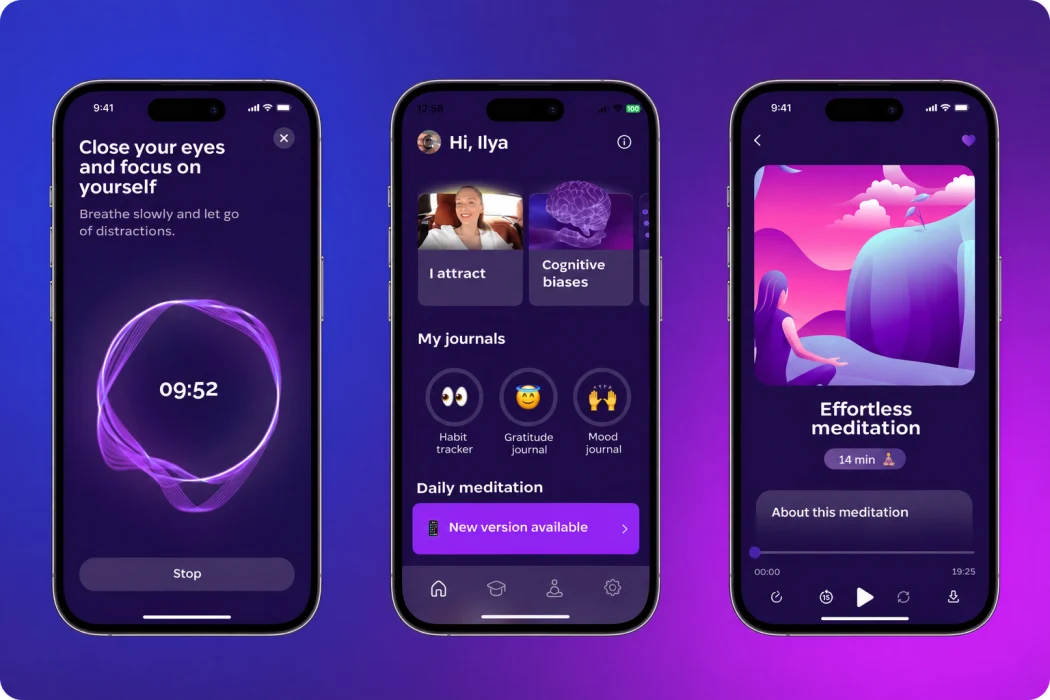
People use the app to find a meditation, take a course and record their thoughts in a personal journal.
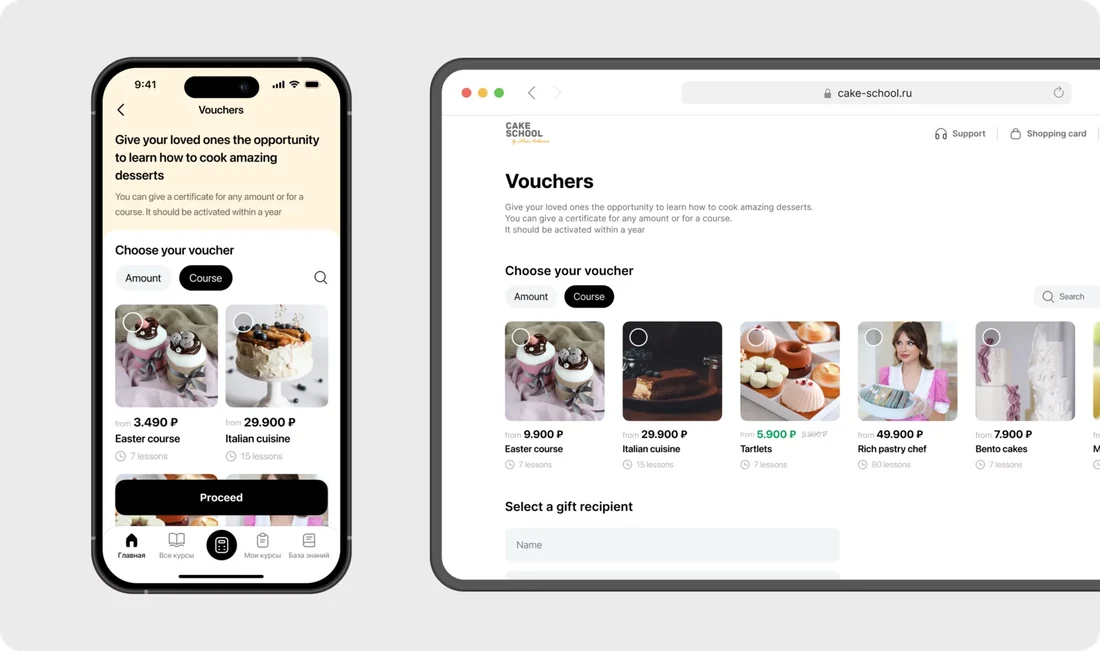
Students choose a baking course, watch lessons and send assignments to an instructor. They can access their account in the app or on the web.
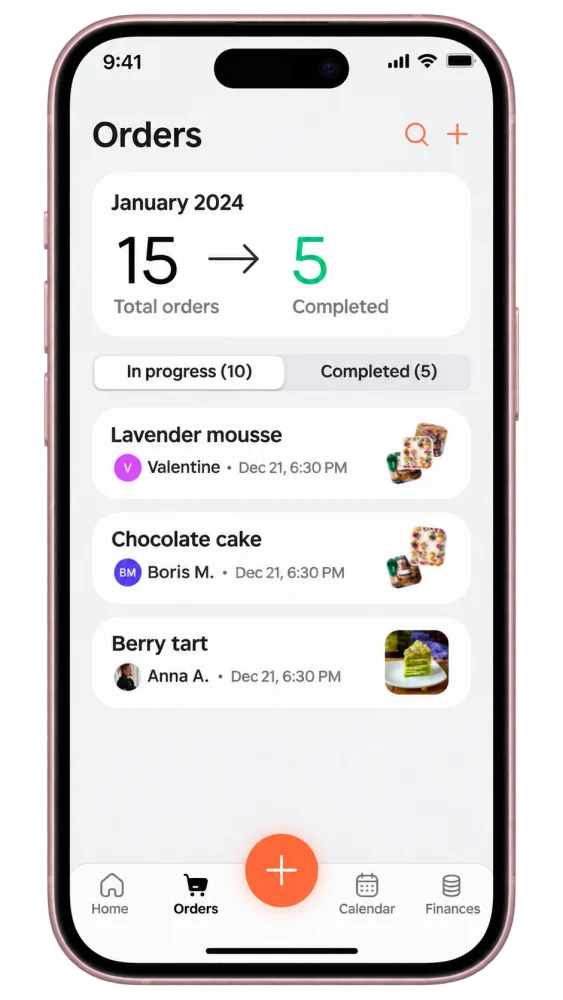
Bakers see the week’s orders, calculate the cost of a cake from its recipe and keep track of their income.
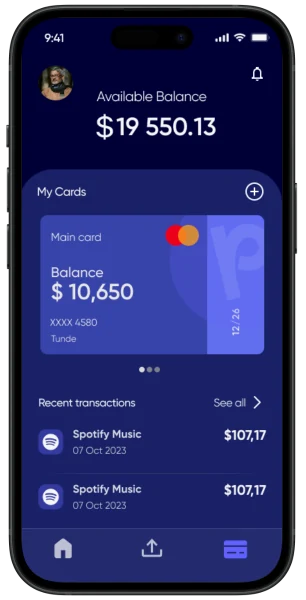
A crypto wallet for African markets. Users can check their balance, send transfers and review past transactions.
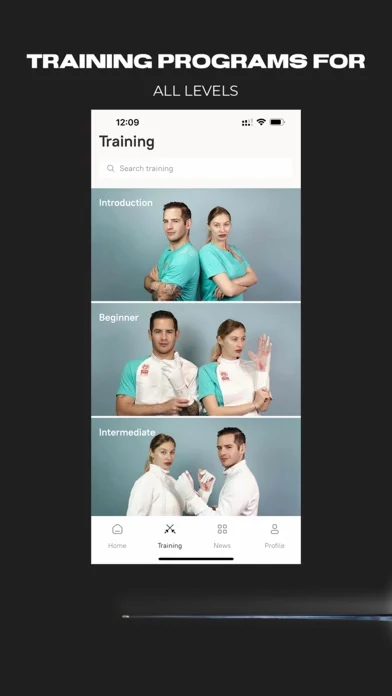
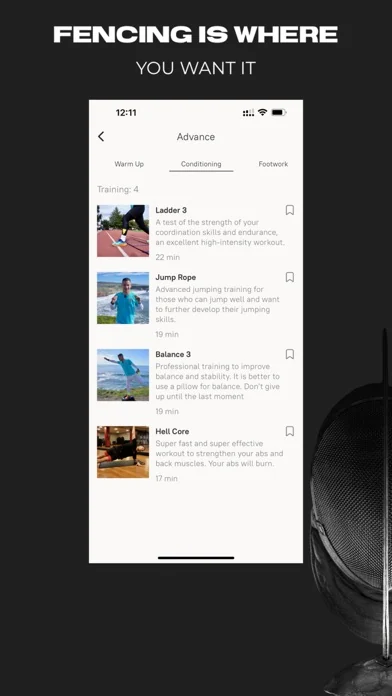
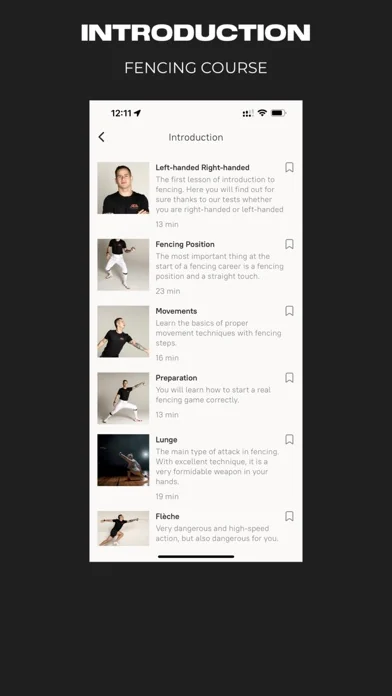
Fencers choose a program for their skill level and follow video workouts for warm-ups and footwork practice.
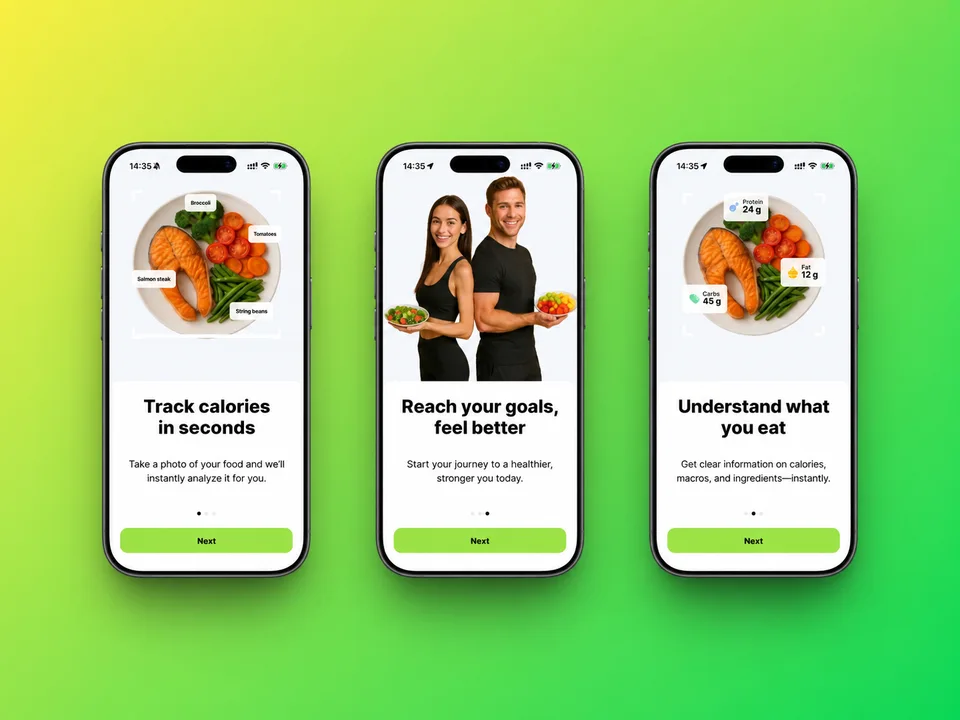
The app estimates calories, protein, fat and carbohydrates from a photo of a meal.
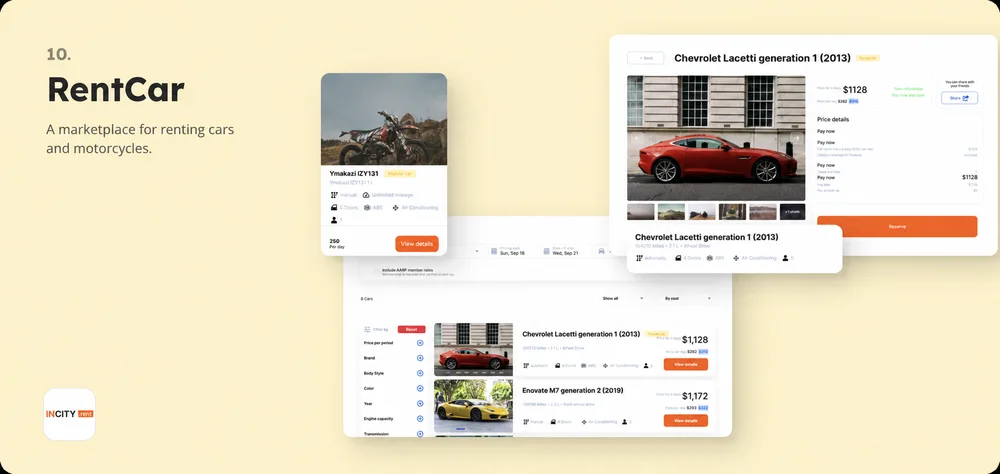
Travellers can find a rental car in Indonesia on the website or in the mobile app.
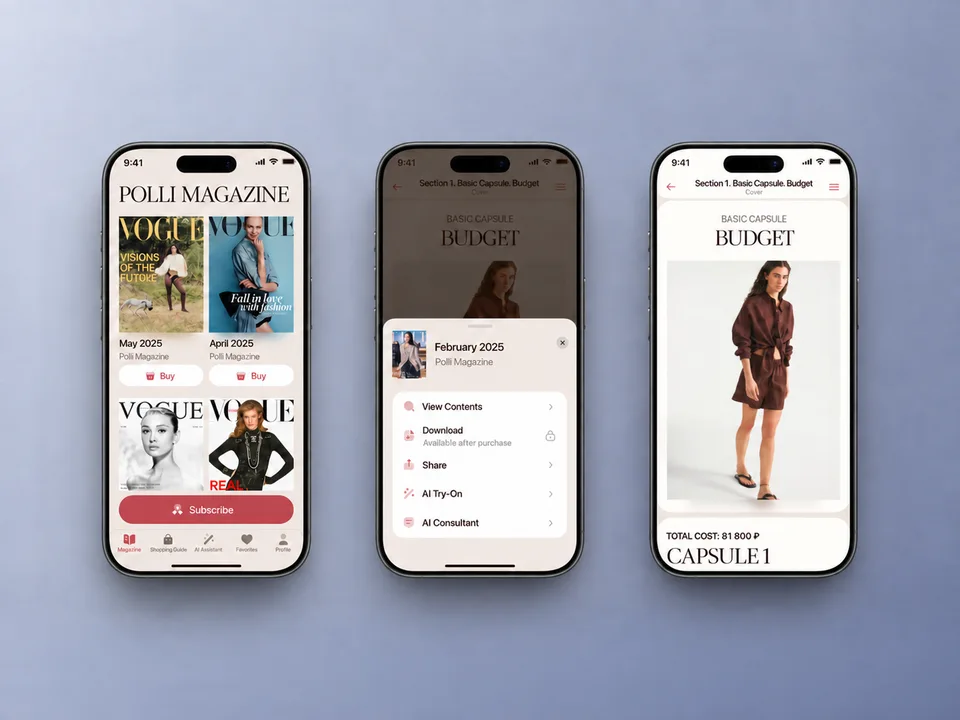
Readers of Polina Ryzhova’s style magazine can save articles for offline reading and try on clothes using their own photos.
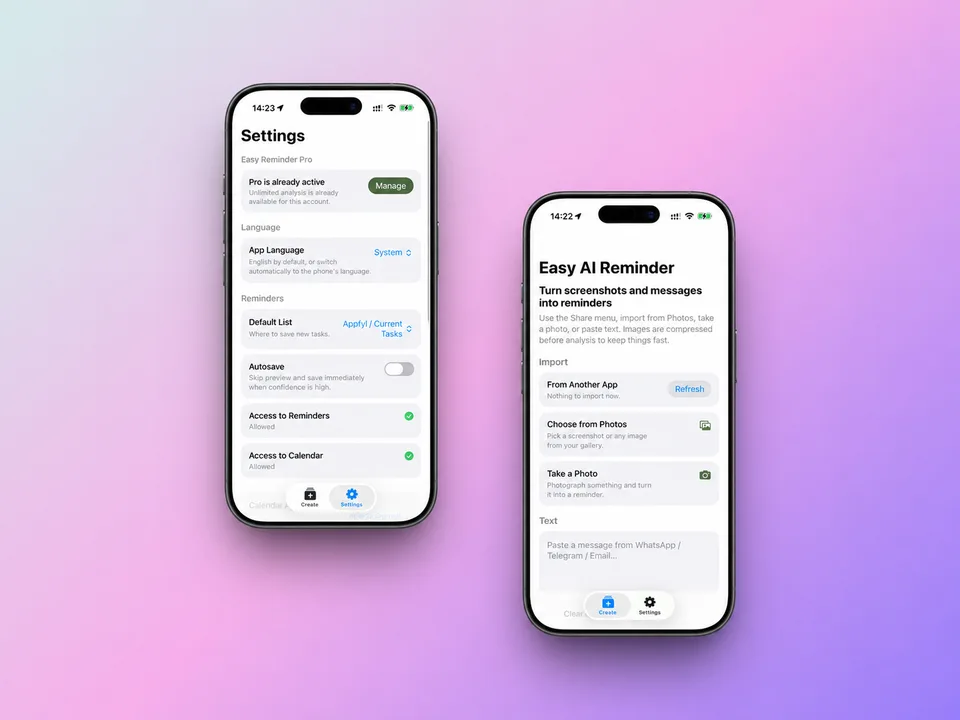
The app turns a screenshot or photo into a reminder or calendar event.
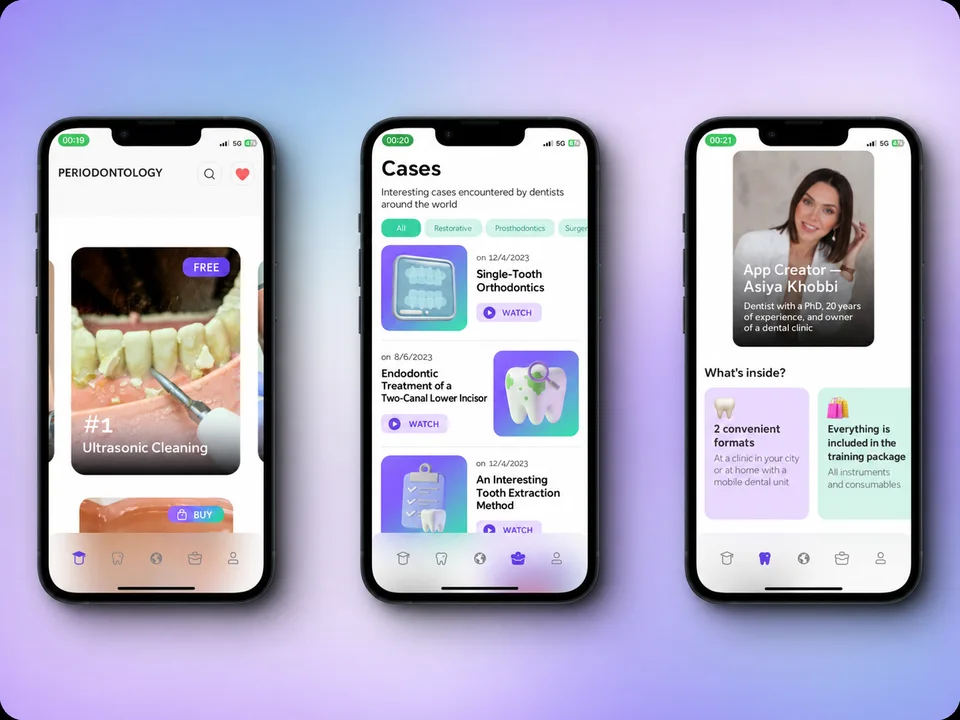
Dental students can practise professional skills with video courses in three languages.
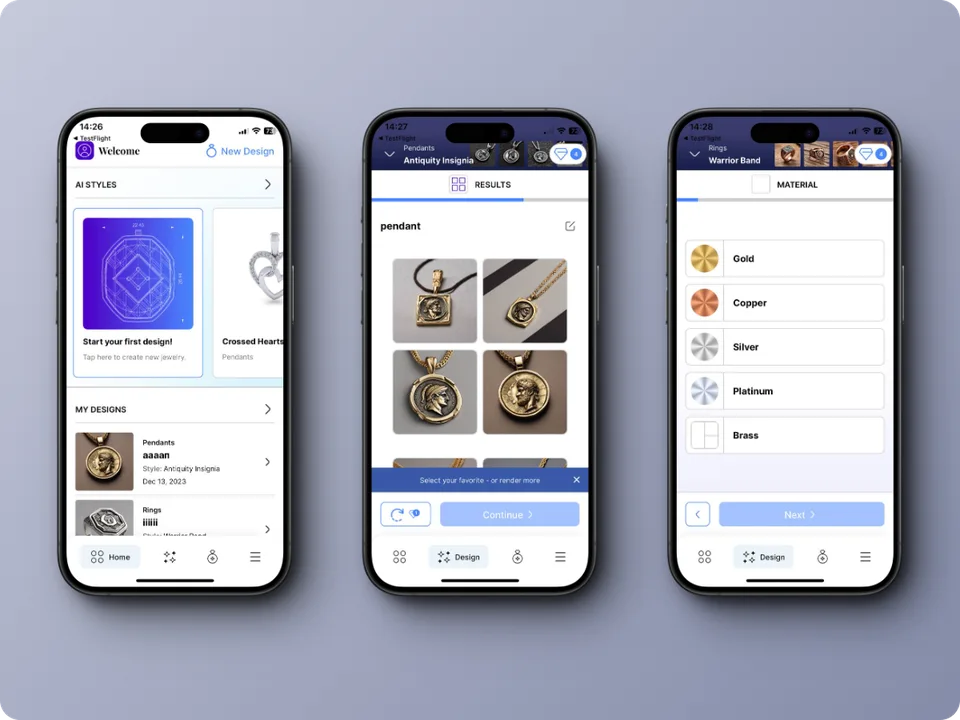
Customers can design a piece of jewellery with AI and order the finished piece.
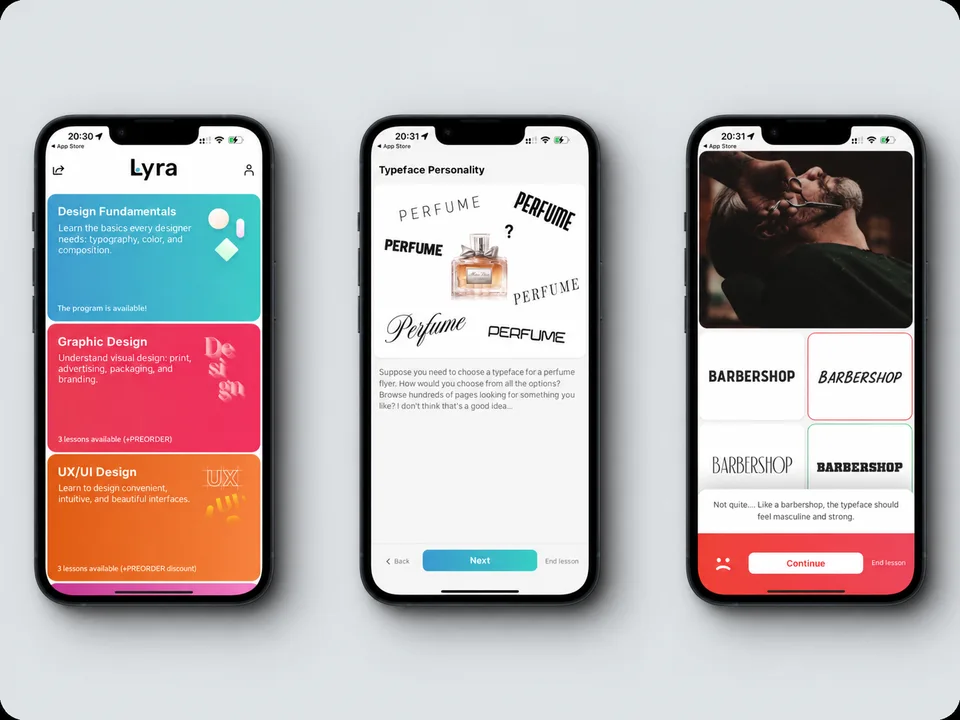
Students learn interface design through interactive UX and UI challenges.
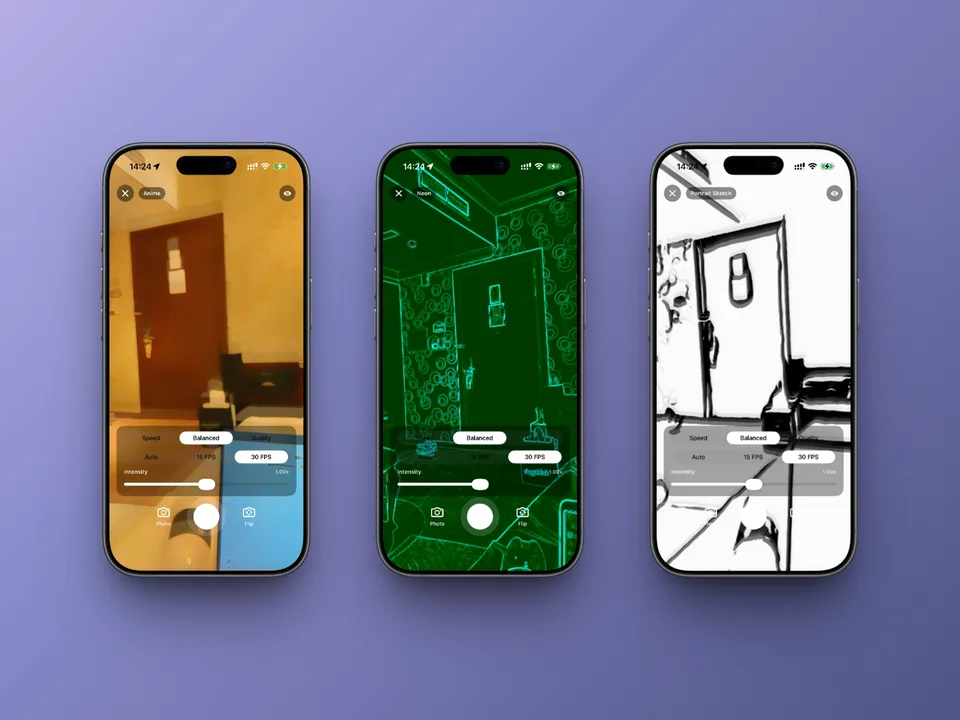
The camera applies AI filters in real time, so people can see the effect as they shoot.
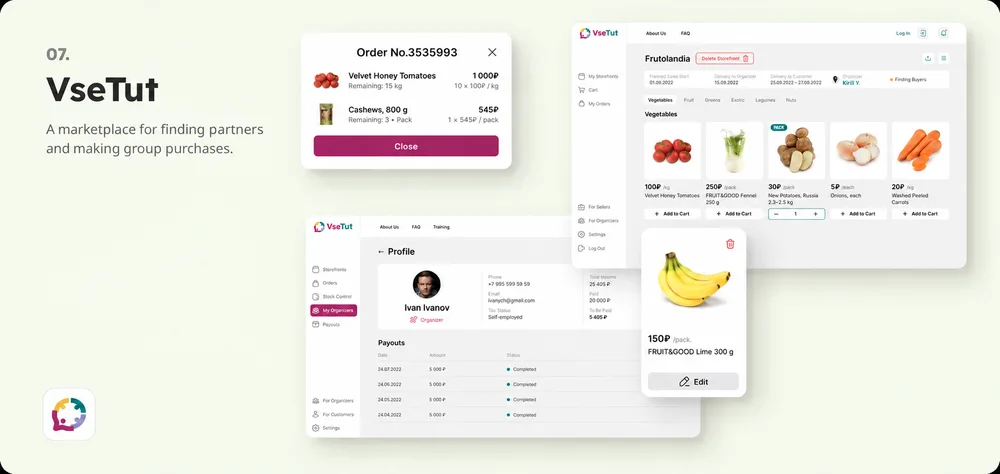
Shoppers find others nearby to place group orders with local suppliers.
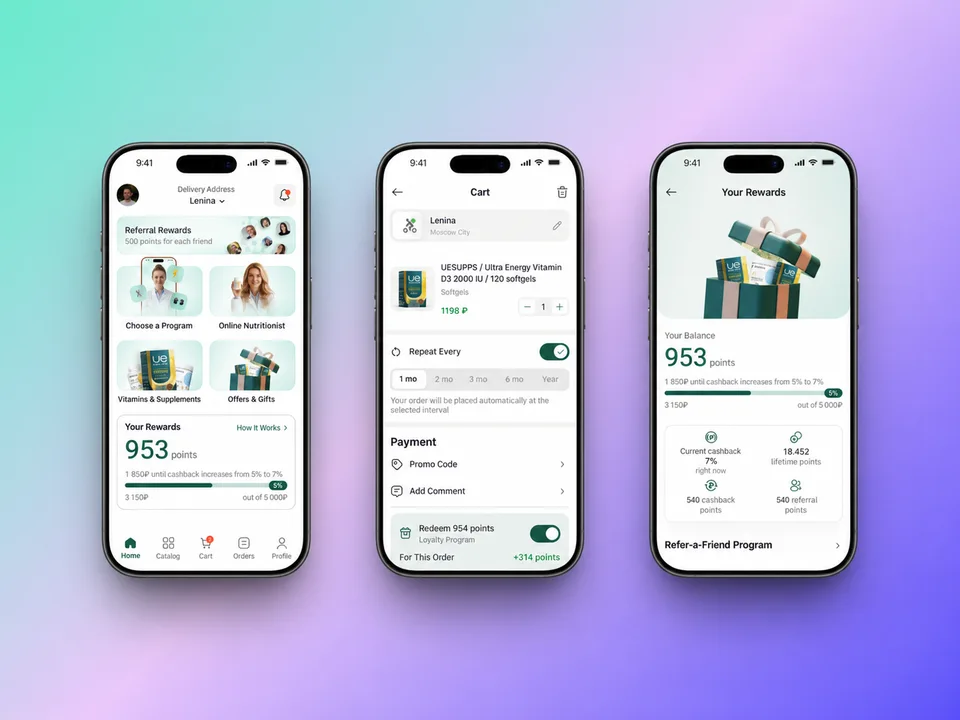
Shoppers browse vitamins and supplements in the catalogue and order them for home delivery.
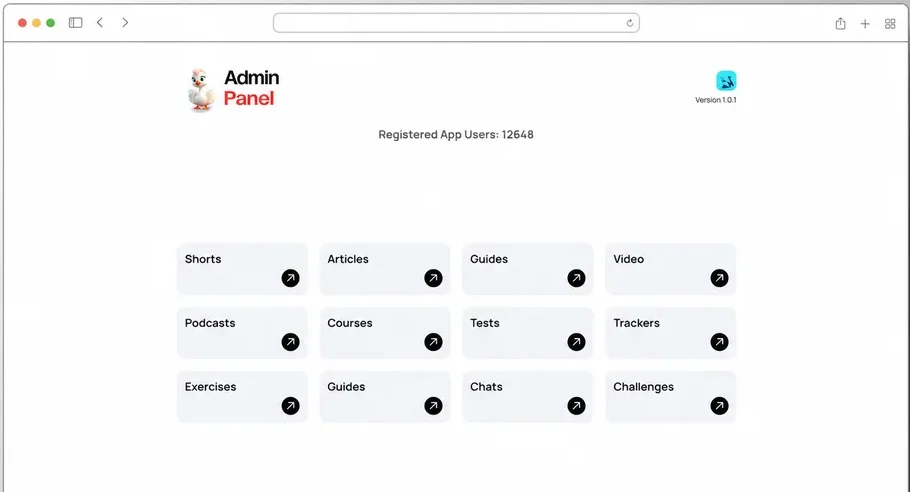
Editors manage courses, articles, podcasts and videos from one web dashboard.
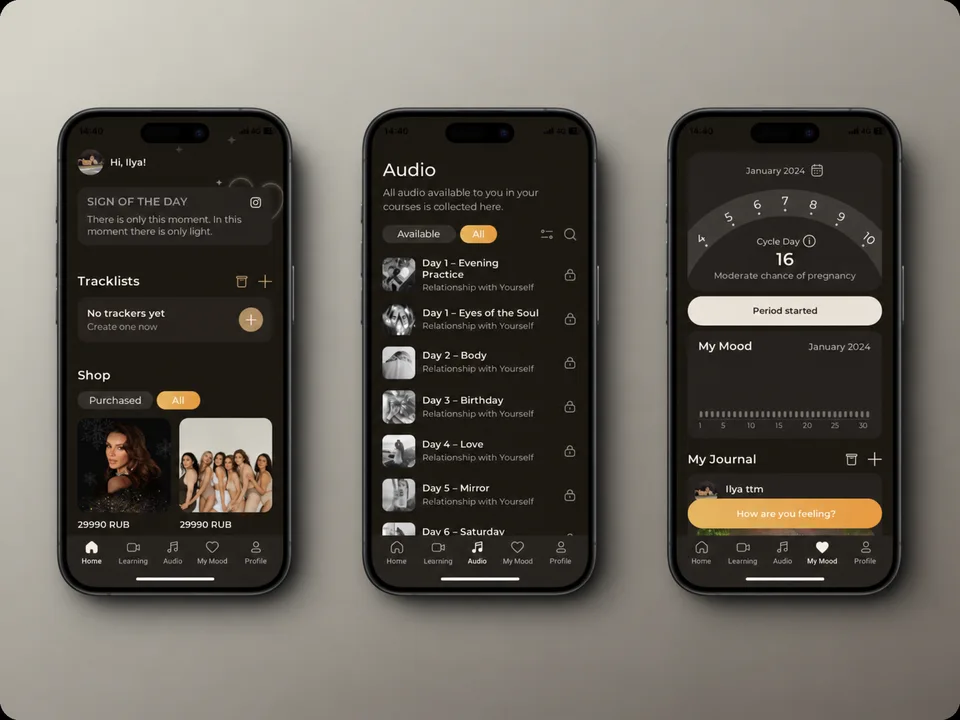
Marika Degas’s app brings together courses, meditations and guided practices. Her team updates the material through a web dashboard.
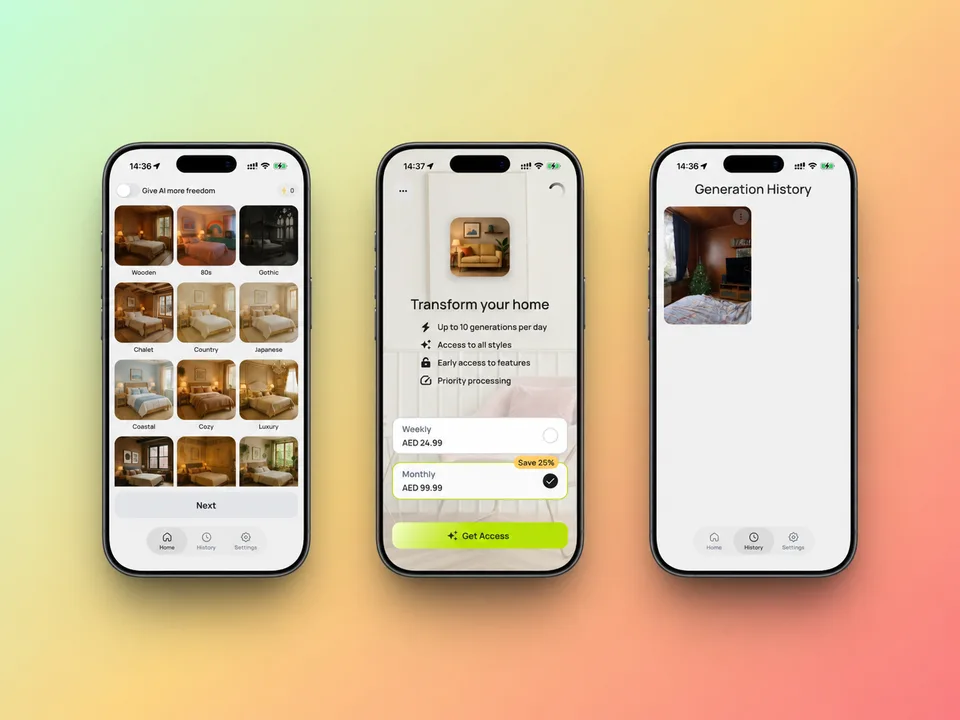
People photograph a room to see how it would look in a different style.
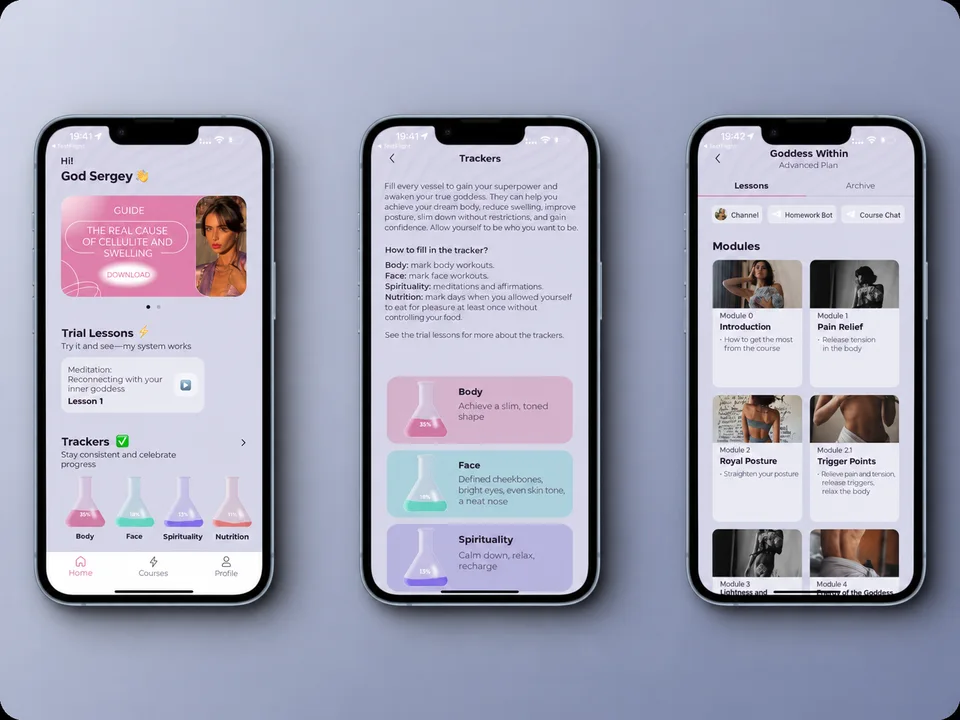
Members of Olya Kucherova’s fitness programme follow lessons and log their workouts.
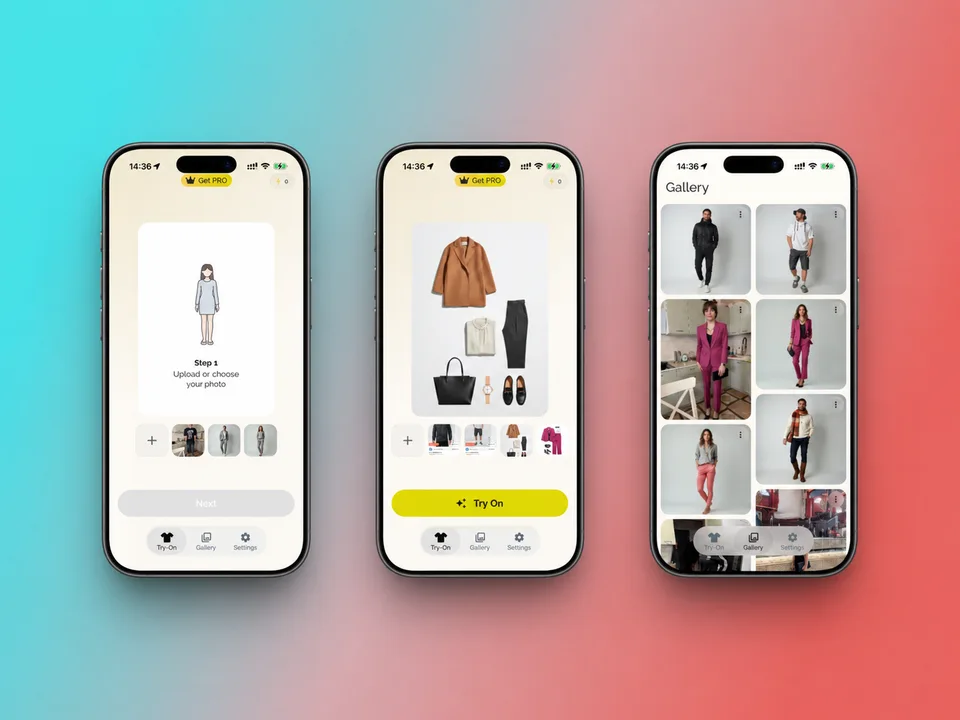
A mobile fitting room shows how clothes would look on the user’s own photo.
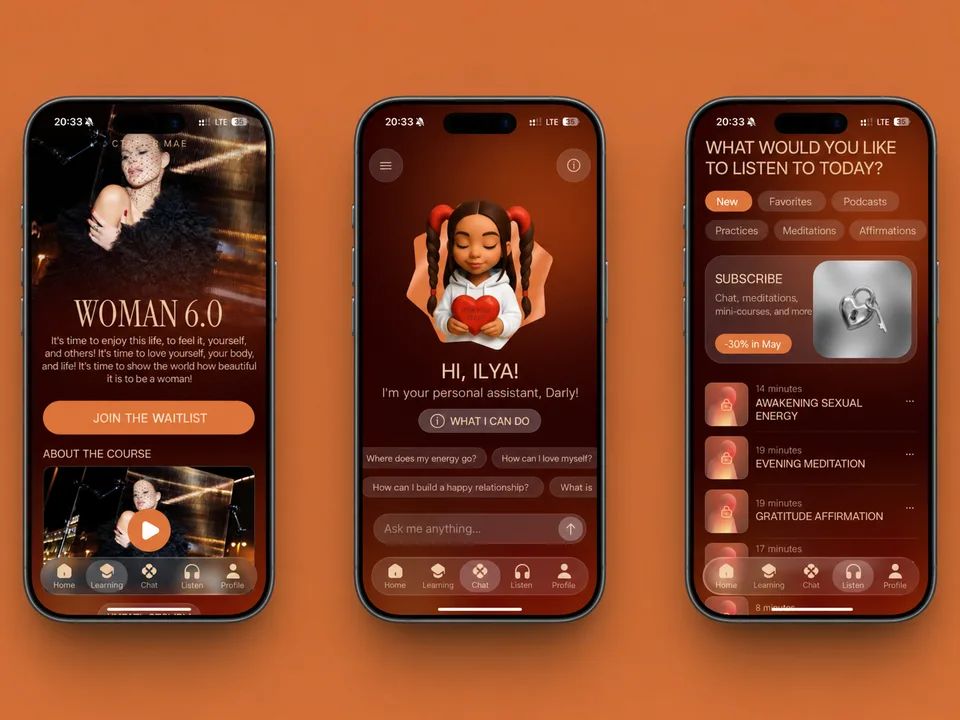
People can keep a personal journal, ask an AI assistant questions and take self-care courses.
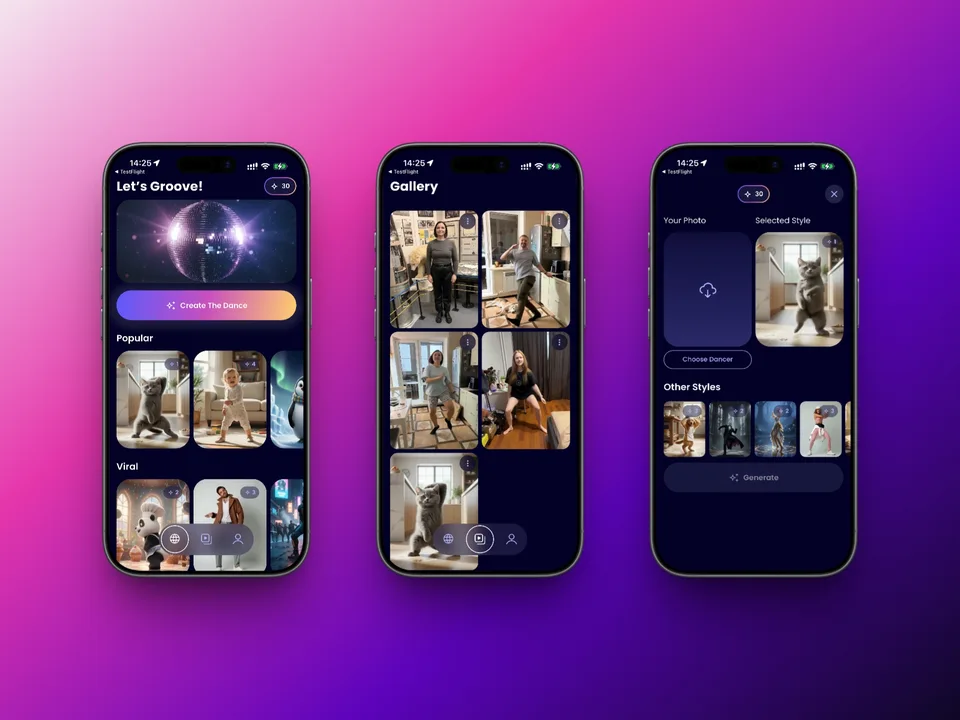
The app turns a single photo of a person into a short dance animation.
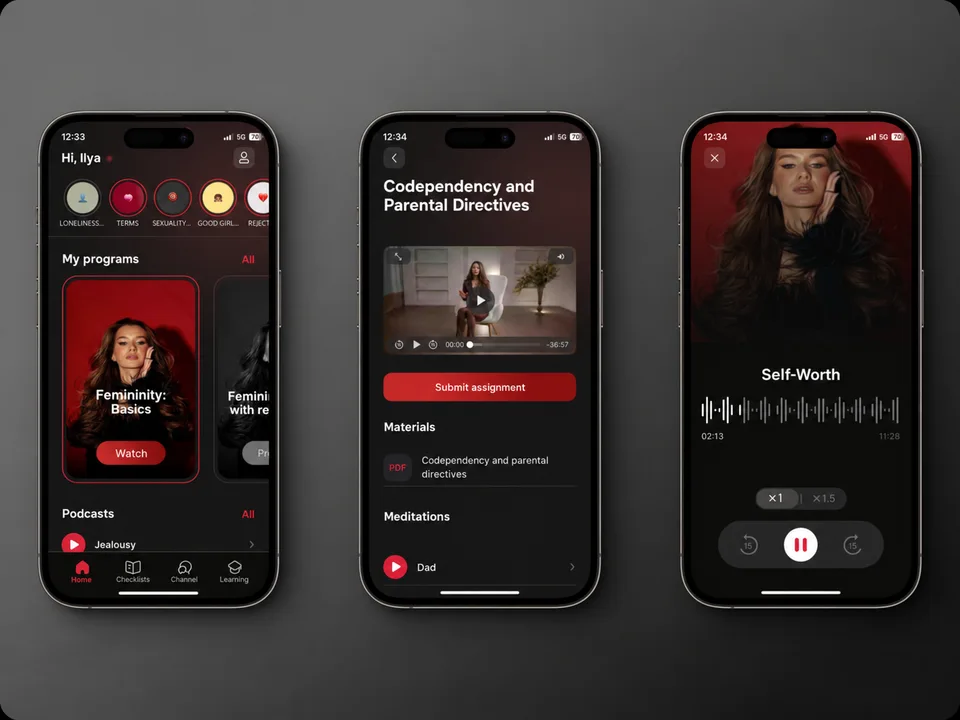
Listeners can explore Vladislava Turkina’s psychology courses and podcasts. Her team manages the material through a dashboard.
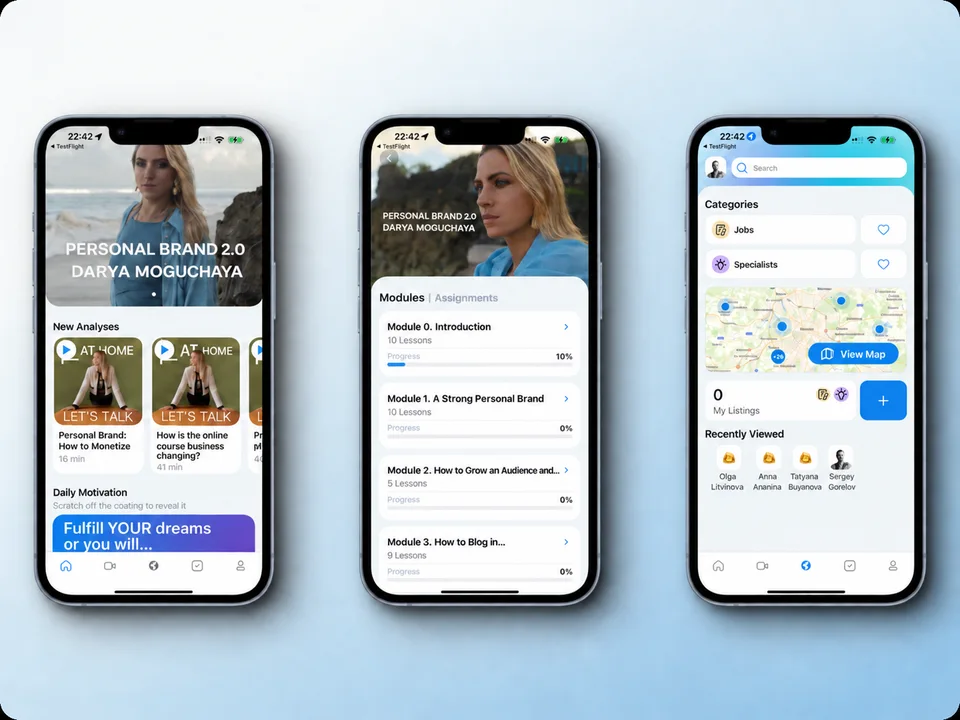
Members of Darya Moguchaya’s community find job openings and take courses in the same app.
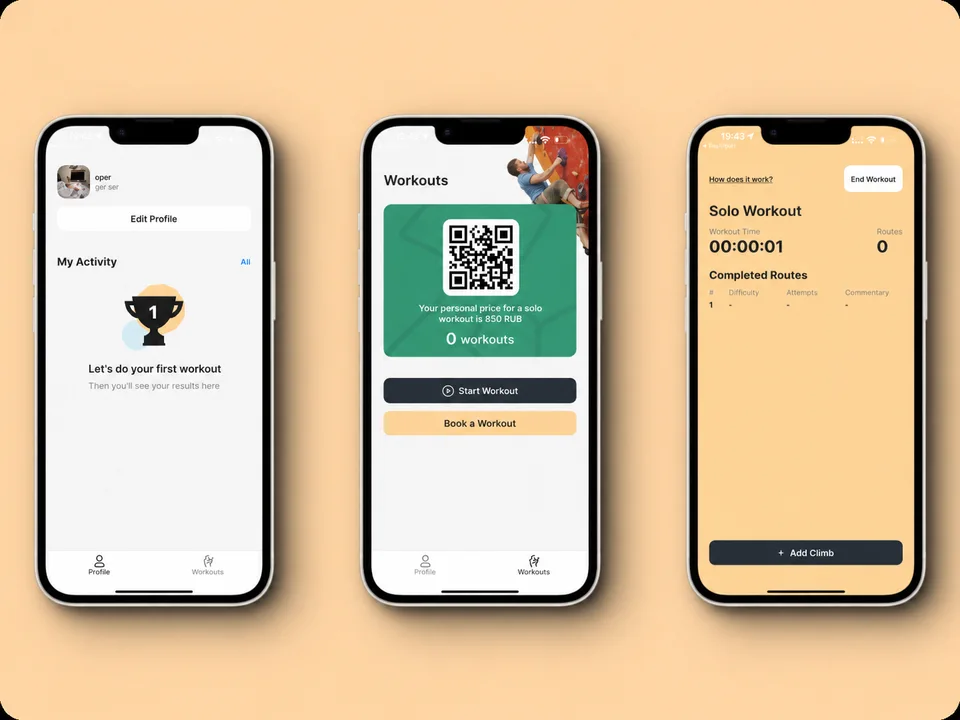
Climbers book workouts and log completed routes, their difficulty and the number of attempts.
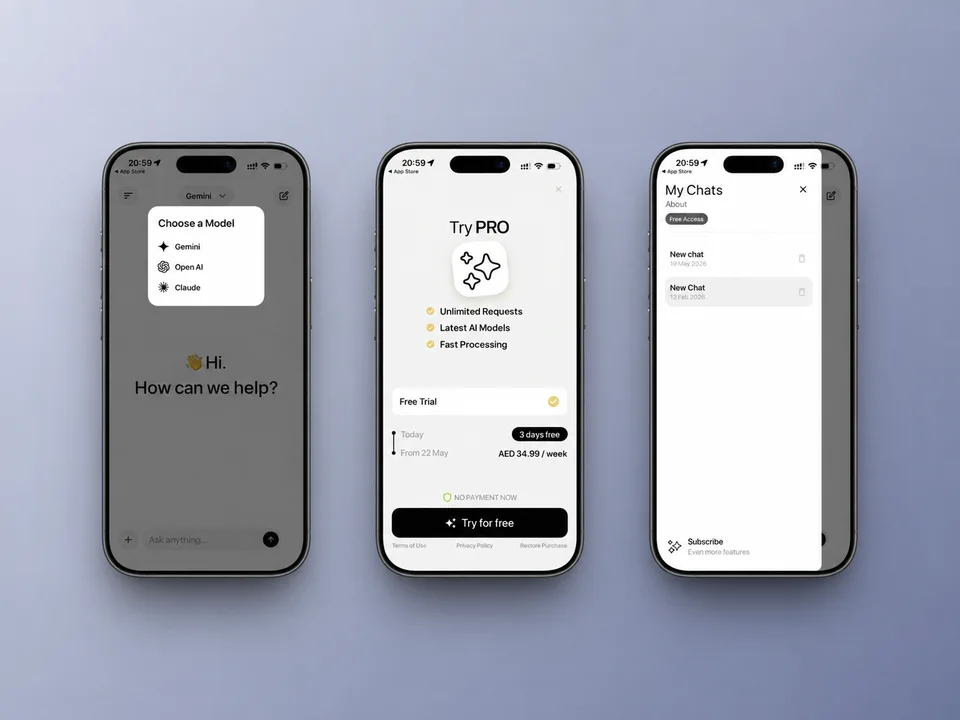
People can use several AI assistants from a single app.
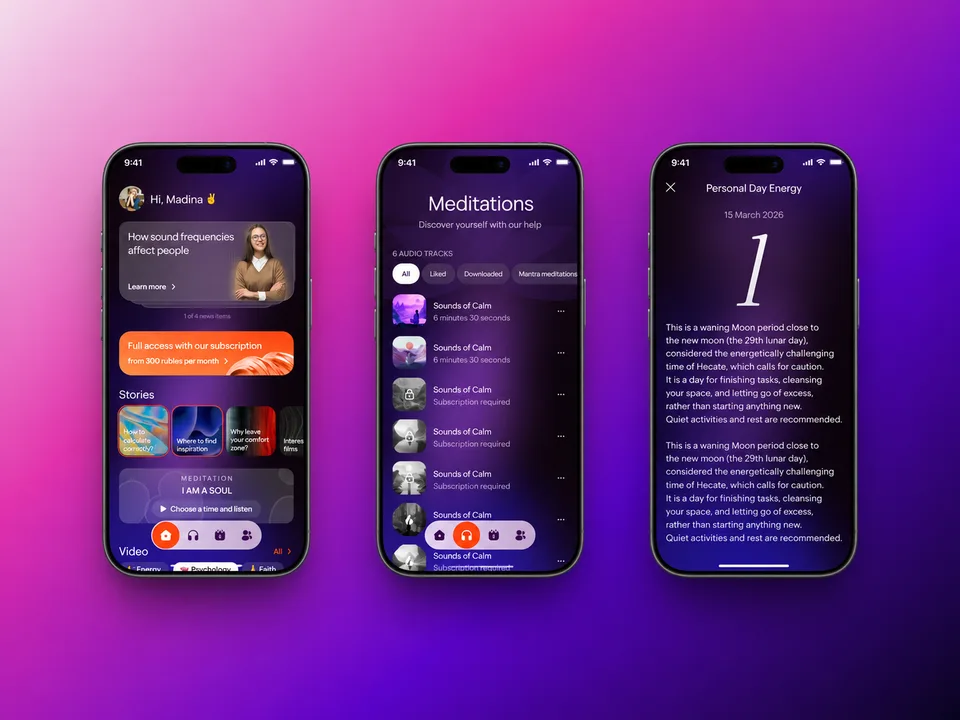
Alexander Roytblad’s app brings together his guided meditations, yoga sessions and material on numerology.
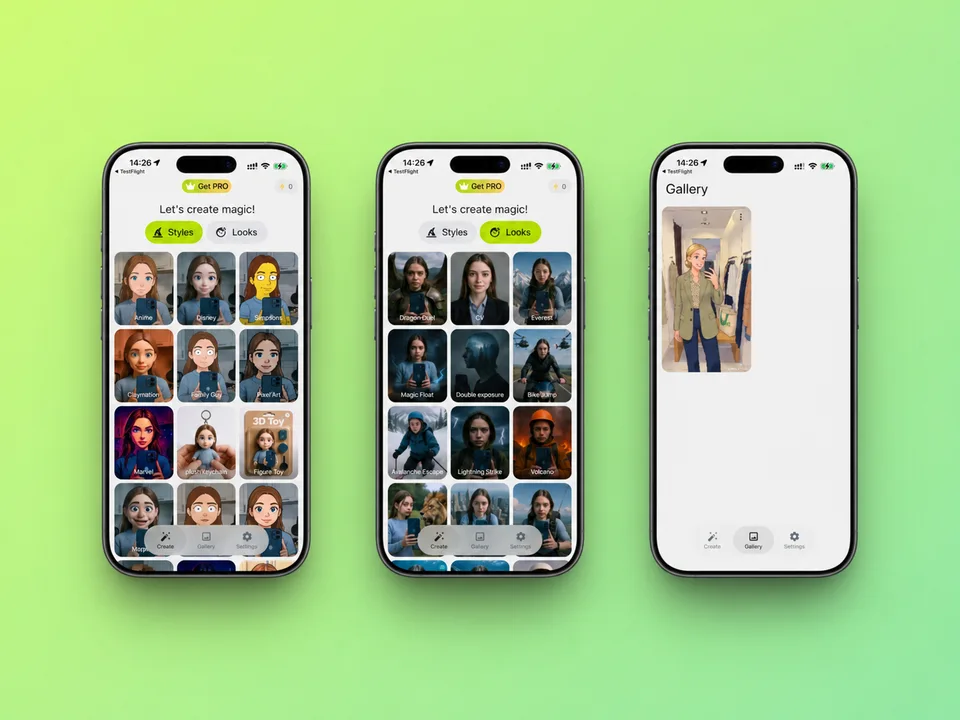
People turn photos into cartoon illustrations and try different visual styles.
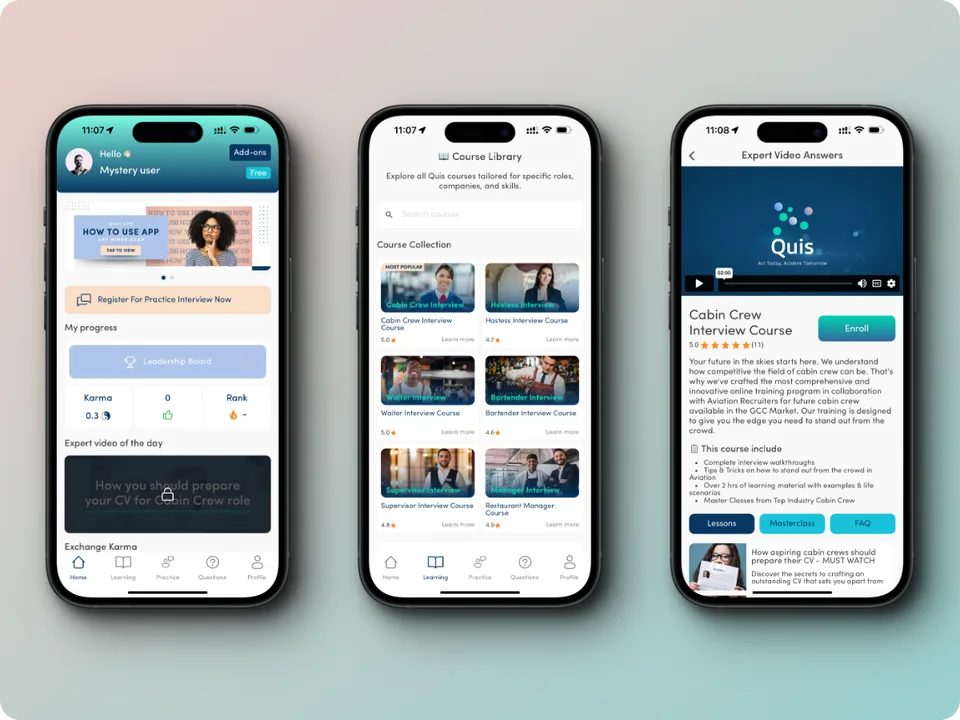
Applicants for frontline roles can prepare for their interviews on their phones.
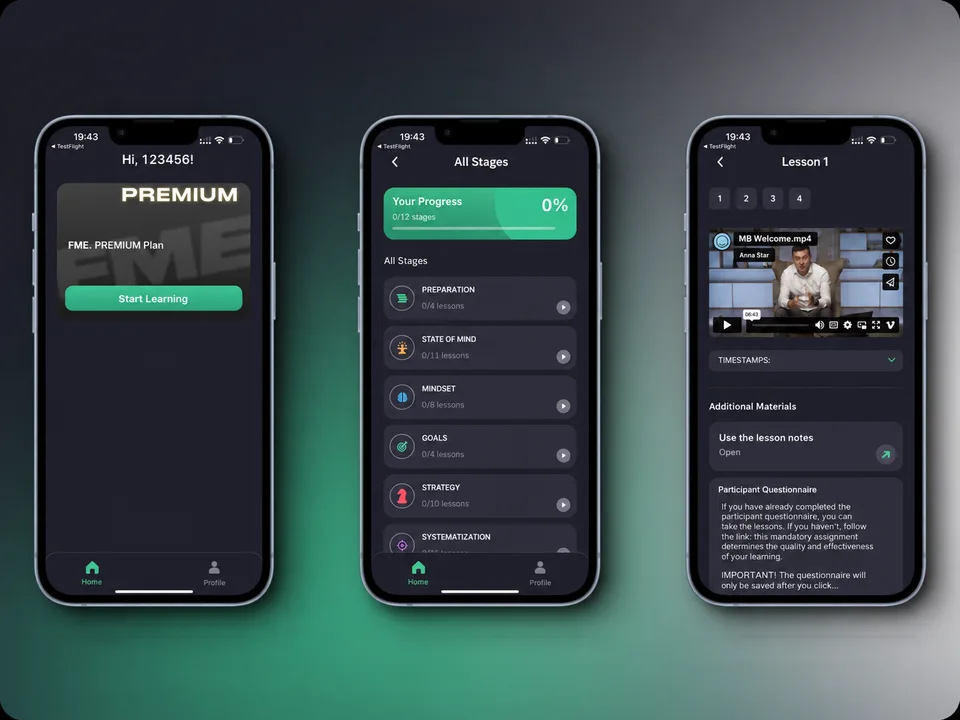
Senior managers can access Maxim Batyrev’s training programme in the app.
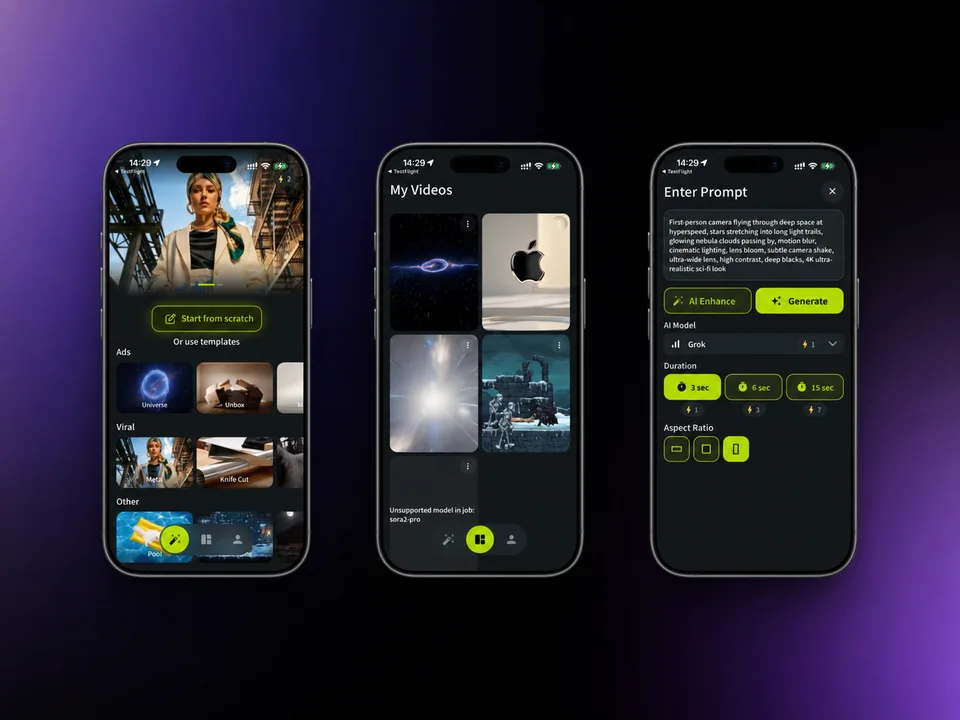
People describe a scene in words and the app turns the description into a video.
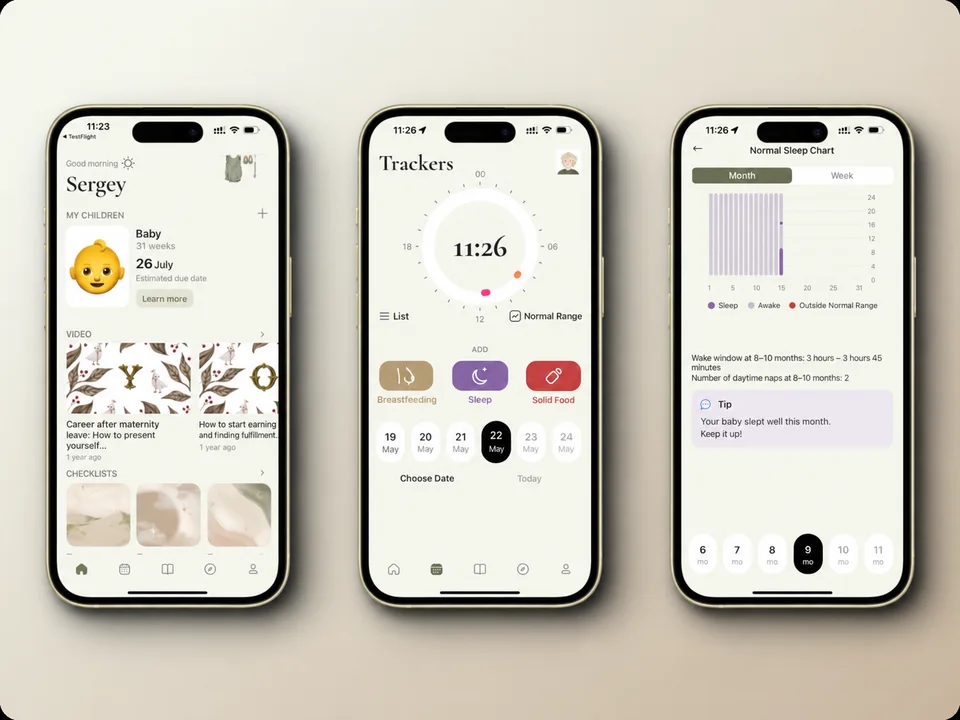
Mothers can track their baby’s sleep and feeds and watch Ekaterina Yuryeva’s instructional videos.
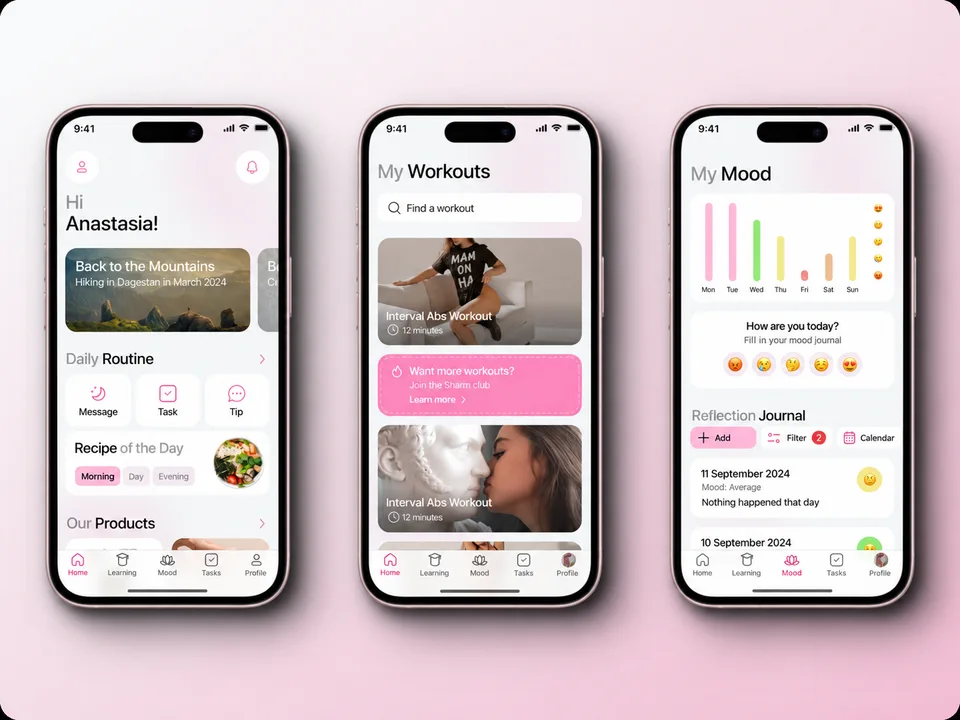
Members follow Anastasia Shardakova’s video workouts and track their progress.
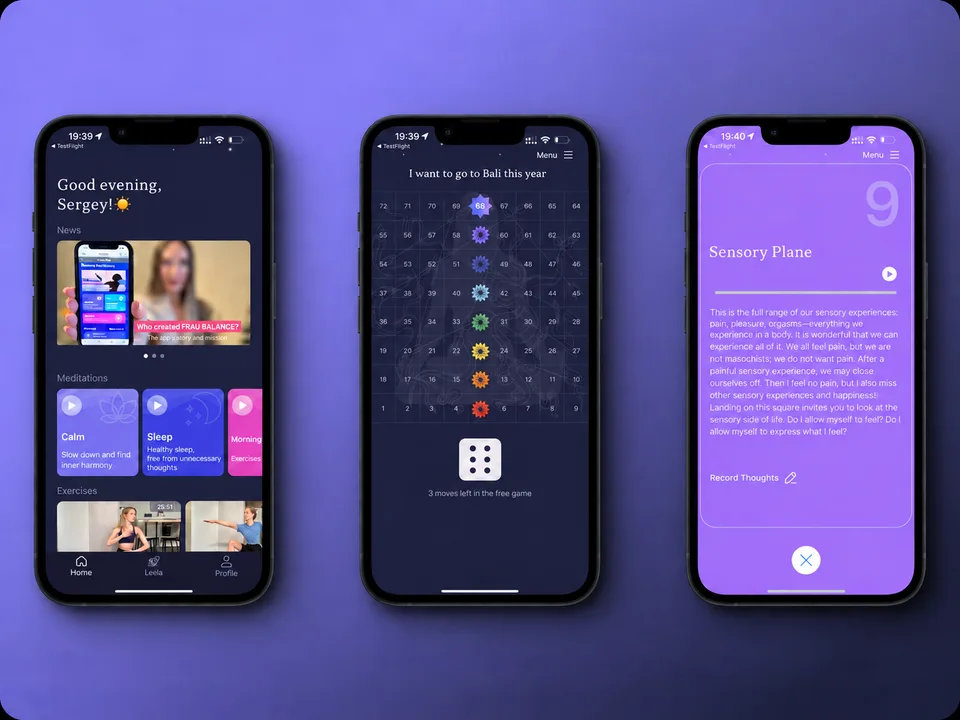
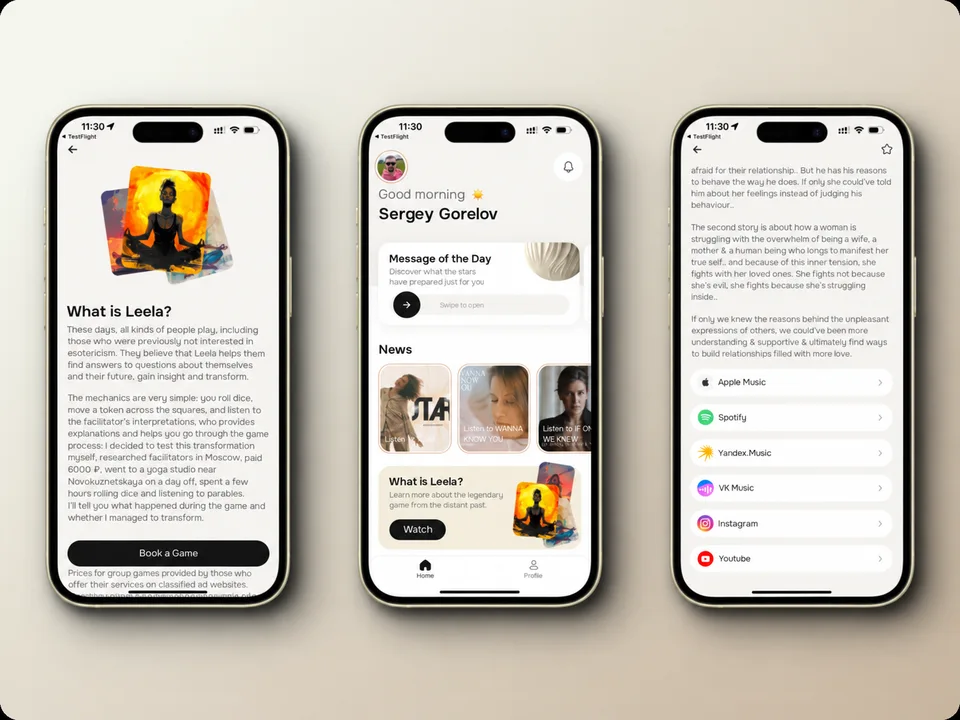
Players can play Leela, a traditional board game, on their phones.
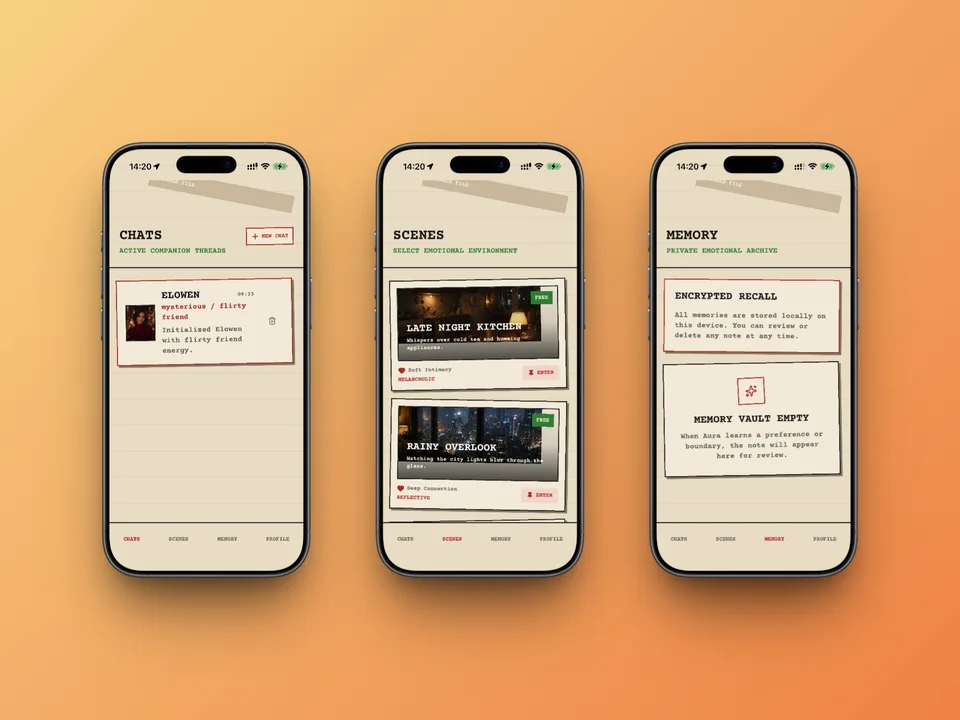
People can start a conversation with a virtual companion in the chat.
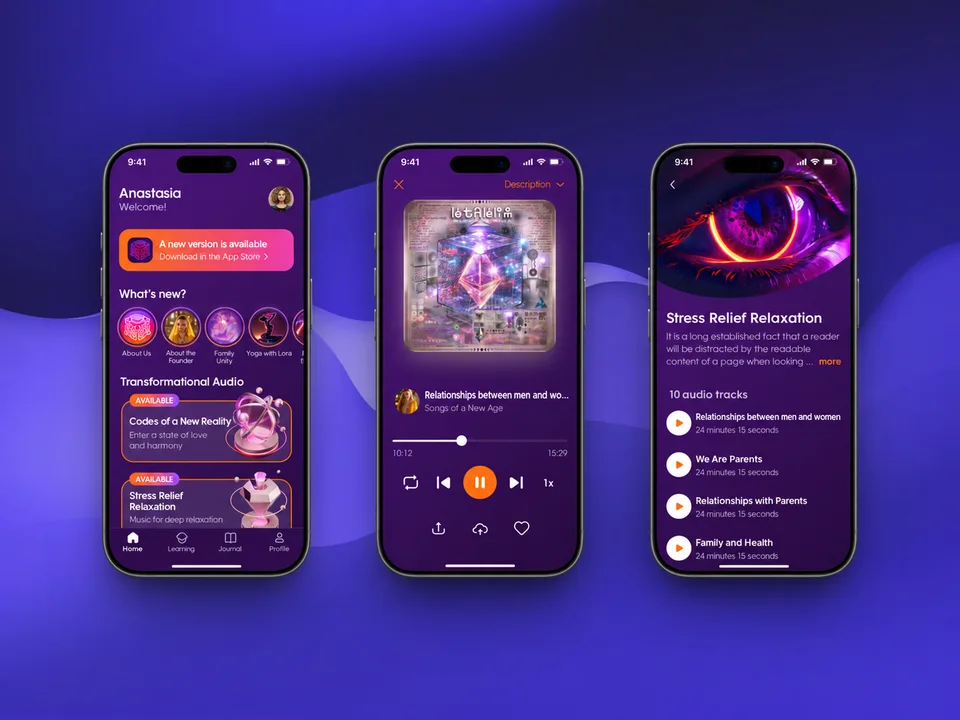
Listeners can access Anna Kamallaya Hefors’s courses and meditations in her app.
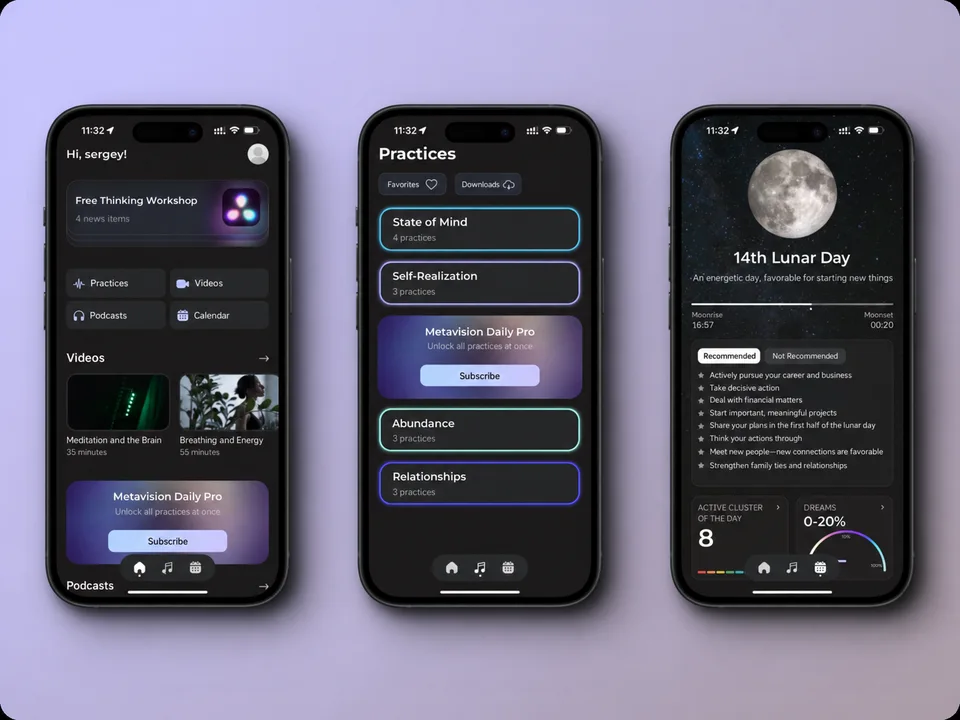
People can choose a guided practice and consult a lunar calendar in the same app.
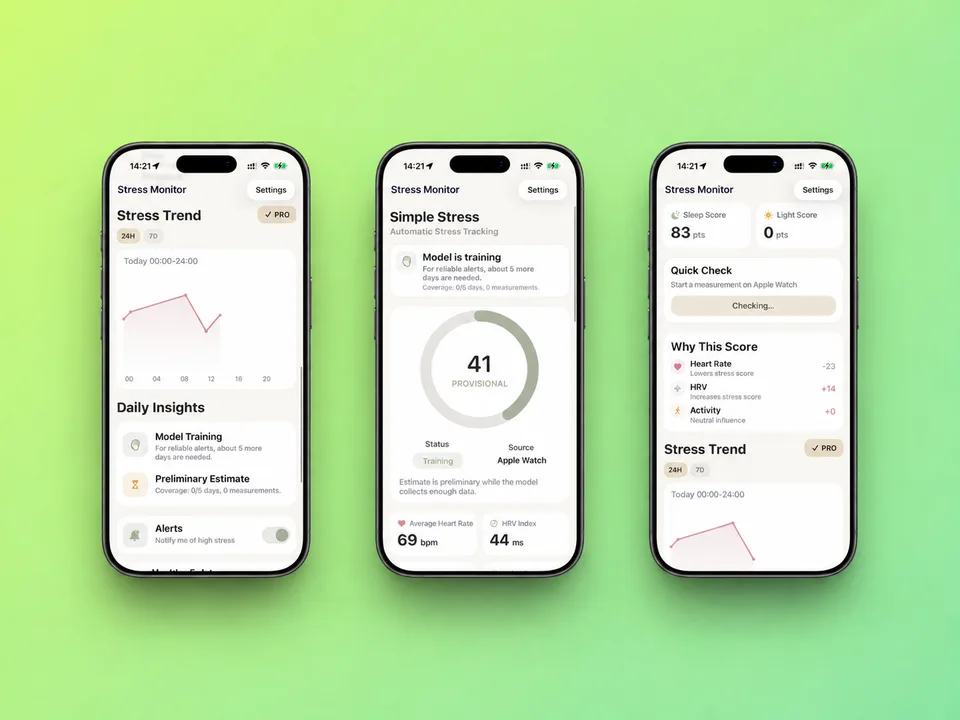
People can follow changes in their stress levels and get AI-generated insights.
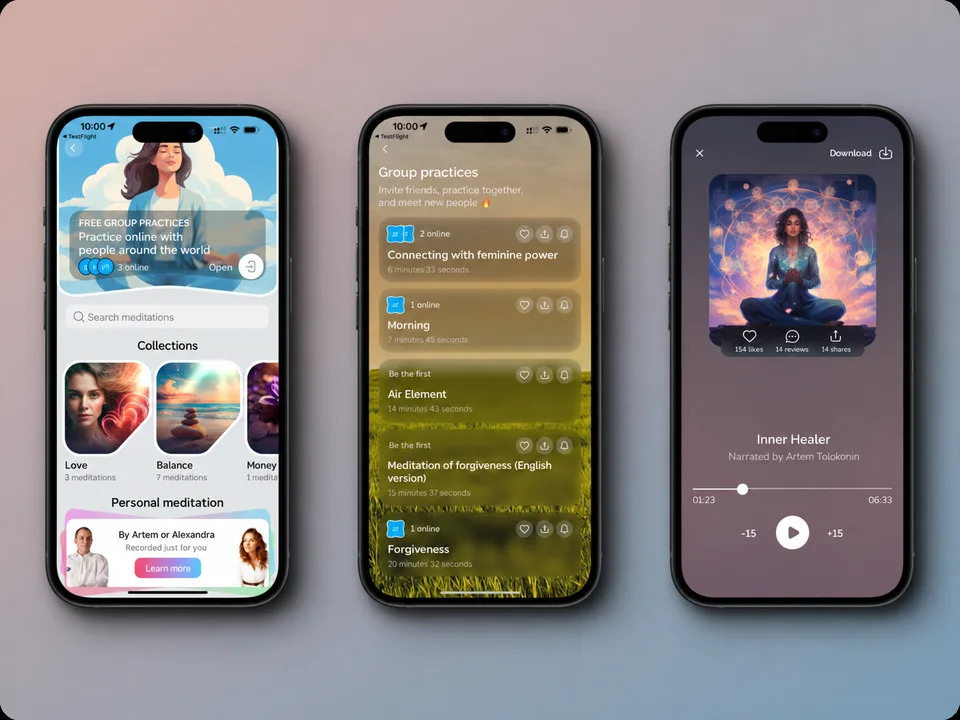
Listeners can take Artem Tolokonin’s courses and revisit his meditations on their phones.
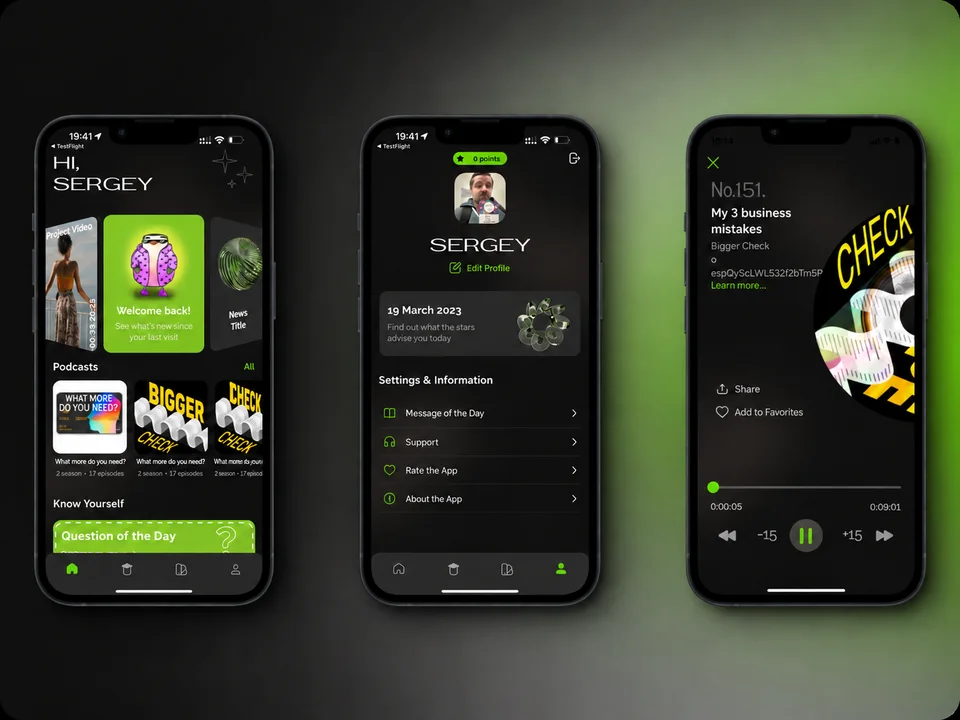
Listeners follow Irina Podrez’s news and play the latest episodes of her podcasts in the app.
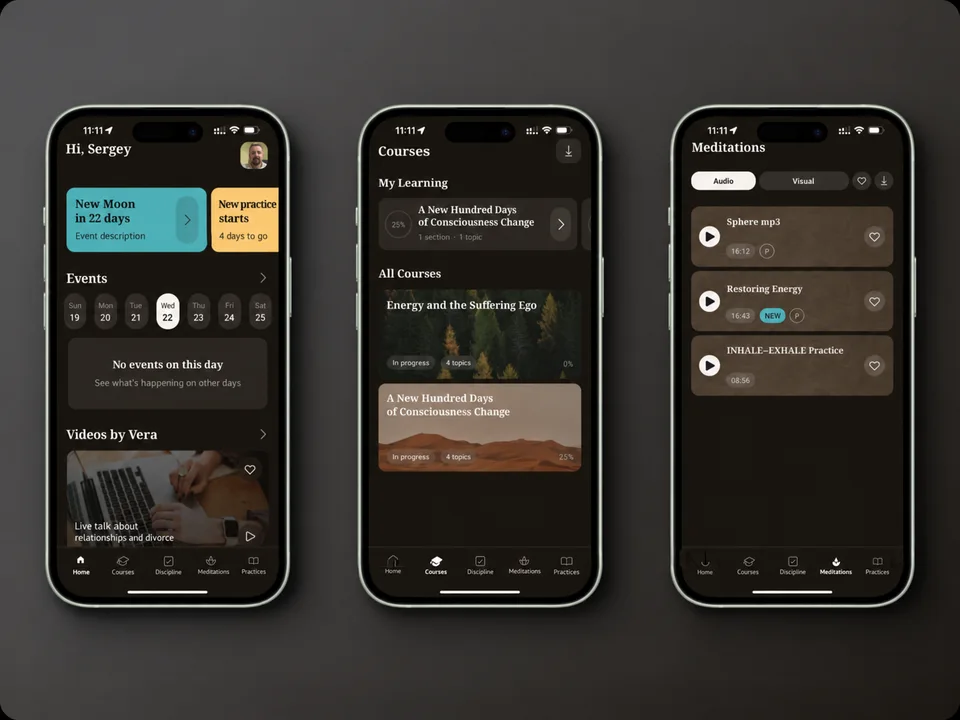
Vera Atara’s app gives listeners access to meditations and material on numerology.
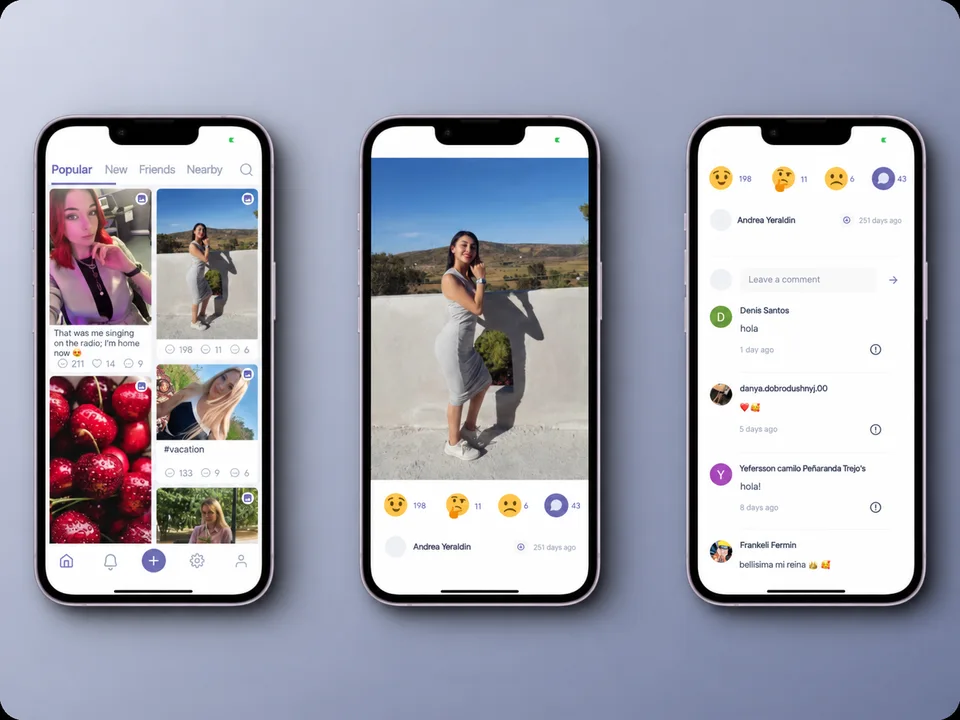
People share photos and browse posts in their feed.
Readers follow Agata Stapelfeldt’s news and articles in her own app.
Tell us who the product is for and what it needs to do. In a 30-minute call, we’ll discuss where to start and what we need for an estimate. You can come to the call with just an idea.
Book a 30-minute call